Description
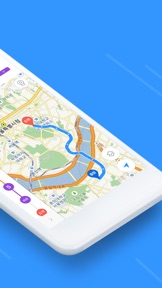
KakaoMap will show you the fastest routes in Korea!
With KakaoMap, you can find everything you want in a map app,
from directions to hot restaurants and local attractions, and more!
► You need to find the fastest route?
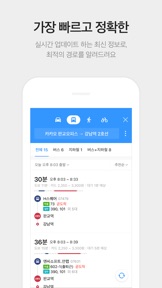
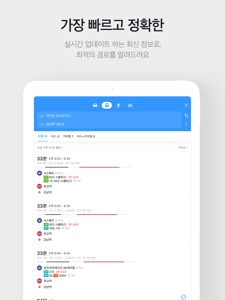
[Fastest and most accurate map]
You will get the latest information updated within 24 hours for cars, public transportation, walking and bicycle.
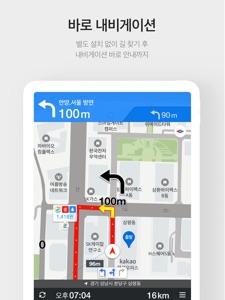
[Navigation system included]
No need to install a separate navigation app. When you search for a route, KakaoMap will give you navigation directions right away.
[Comprehensive search within one search window]
You can find all information you need using one search window including a bus number, a bus stop, a specific place, etc.
► When you need local information
[Recommendation just for you]
KakaoMap will provide useful information based on your current location including hot restaurants, keywords, spots, events, etc.
[Search areas on the map]
You can see search results right away by using the "Re-search this area" feature on the map.
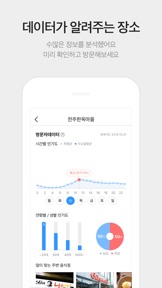
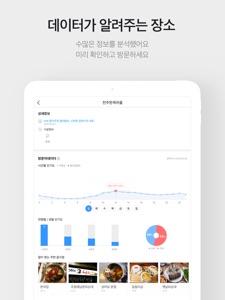
[Places suggested by data]
KakaoMap analyzes big data on visitors and provides information on a specific place by age, gender and day of the week.
► Need more systematic maps?
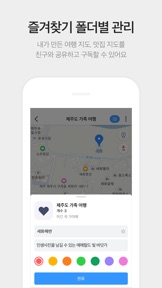
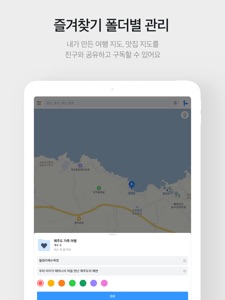
[Favorites organized by folders]
You can manage Favorites by folder and indicate them on the map. Folders can also be followed and shared.
[Road View]
After searching for a route, you can see the place you plan to visit in advance using the Roa View feature.
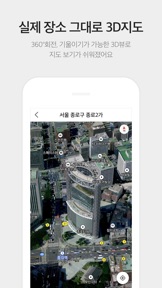
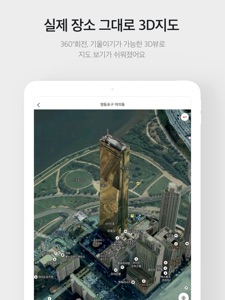
[Realistic 3D Map]
We provide a more realistic vector-based map which can be rorated or tilted 360 degrees. It looks very real!
[Real 3D Sky View]
When you want to search a three-dimentional map, you can use 3D Sky View.
► Other convenient features
- Favorite places shown on the map
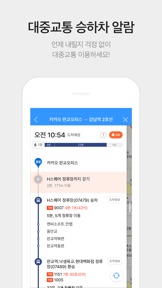
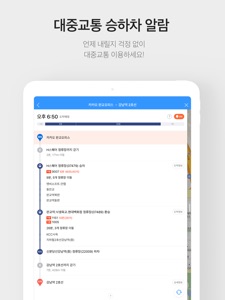
- Real-time bus information to help you reduce wait time
- Real-time traffic information to help you find fastest routes
- Convenient and accurate subway map
KakaoMap loves to hear your suggestions.
► Questions & Feedback
- maps@kakaocorp.com
- Kakao Customer Service Homepage
(http://www.kakao.com/requests?locale=ko&service=59)
- Customer Service: 1577-3321
- Developer: 1577-3754
——
* You can still use the service even if you don't give the above permissions.
What's New in Version 4.5.1
1. Bugs fixed
--------------------------------------------
[4.5.0 version]
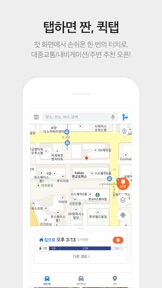
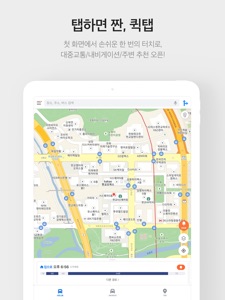
1. Added Quick tab on the Start screen
- Provides quick access to departure/arrival alarms
- Recommends bus/subway arrival information based on the history of use
- Provides recent destinations and quick access to driving menus
- Improved user experience for exploring nearby restaurants
TIP> Optimize the Quick tab by registering your home and office addresses.
2. Enabled "Swipe Back" gesture instead of "Back" button
- You can return to previous screen only with a swiping-back motion
3. Improved the way of displaying search results of Land-Lot Based address
- Changed the display format from Shape Outline to Shape Fill
4. Added What3Words feature which enables users to search and share point of interest with 3 word combination without using actual address
- Long Press > Click W3W to view and share three-word addresses
- Search for three-word address
5. Navigation
- Added voice prompts for traffic enforcement
- Resolved the issue of speed display cut out by the iPhone X notch